Website Care
Why Business Websites Need Ongoing Maintenance
Keep your website ready for customers with regular updates, working forms, and a realistic recovery plan.
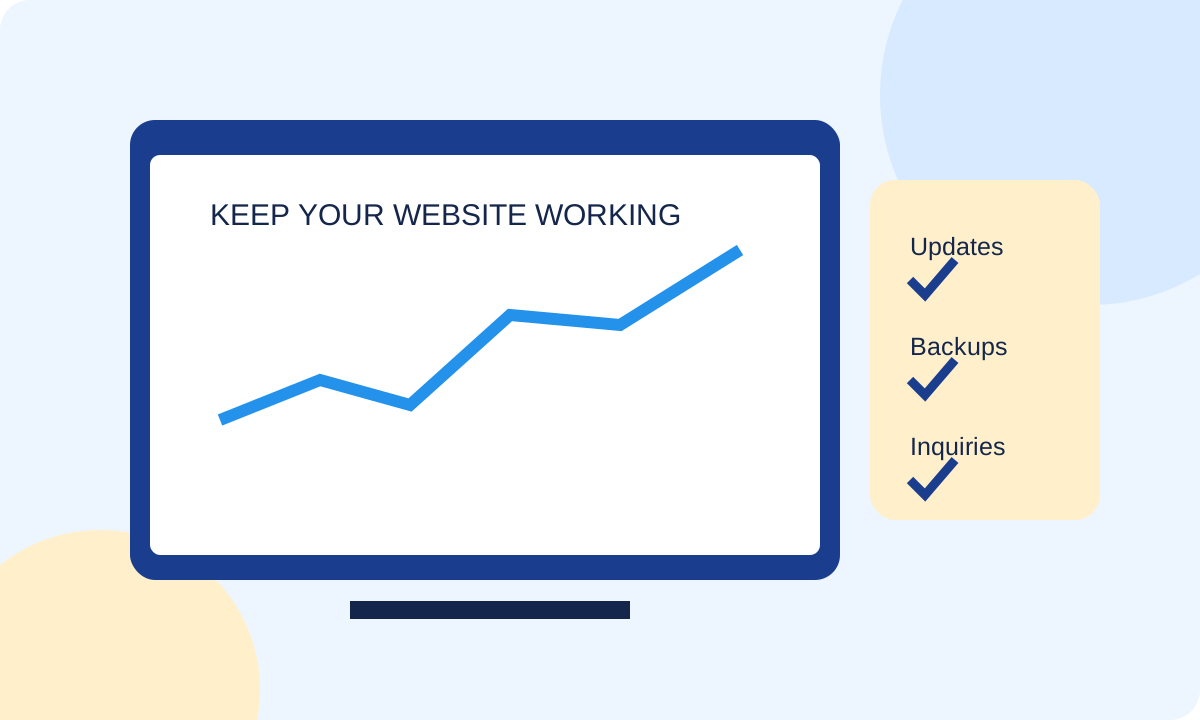
A business website is more than a brochure. It depends on hosting, software, forms, email delivery, and third-party connections that can change after launch. A page may still look fine while its inquiry process has stopped working. Regular maintenance helps a small team spot those problems before they become a persistent obstacle for customers.
Start with the customer’s path to contacting you
Open the website on a phone and follow the same path a customer would. Read a service page, open the menu, tap the phone link, and locate the estimate form. Check that the page explains what happens after an inquiry. A broken button is an operational problem, not just a cosmetic defect.
For a contractor, a visitor may be comparing providers between appointments or from a job site. Large images, confusing forms, and a shifting layout can make that visit harder. Maintenance should include the parts of the site that matter to getting the job started.
1. Check mobile performance and Core Web Vitals
Core Web Vitals describe aspects of real user experience. Largest Contentful Paint, or LCP, concerns loading the largest visible content element. Interaction to Next Paint, or INP, measures responsiveness to interactions. Cumulative Layout Shift, or CLS, measures unexpected movement in the layout.
Use performance reports to investigate a problem, not as a trophy score. A large hero image, an unnecessary script, or an embedded widget may deserve attention. Test the actual page and device experience before deciding what to remove.
Keep images appropriately sized, reserve their layout space, and review plugins that add features the business no longer uses. A fast homepage does not prove that the estimate page is working well. Check the pages customers use most.
2. Test forms all the way to the receiving inbox
Seeing a success message does not confirm that an inquiry arrived. A useful form test checks submission, confirmation, notification delivery, and the team’s ability to reply. Where the form setup supports saved entries, confirm that storage and retention behave as intended.
Email delivery can be affected by configuration, provider changes, filtering, or software conflicts. Agree on who receives inquiries and who checks the process. Keep test submissions clearly labeled so the office does not mistake them for customer requests.
After a form, hosting, email, or major plugin change, repeat the important checks. For a busy service business, a short recurring test is easier to manage than discovering weeks later that an old notification address was still in use.
3. Make updates part of a controlled routine
Keep supported WordPress software, themes, and plugins current, with backups and a recovery path before making significant changes. Remove unused components when appropriate and review who has administrative access. A smaller, understood setup is easier to maintain.
Major changes benefit from a staging review and checks of critical functionality before rollout. A successful update message alone does not establish that every feature still works. Check navigation, forms, important landing pages, and any integrations affected by the change.
Updates and monitoring reduce exposure to known problems, but no maintenance plan eliminates all security risk. Responsibilities should be clear: what the host handles, what the website provider handles, and which accounts remain with the business.
4. Keep backups you can actually recover from
Ask what is backed up, how often it happens, where copies are held, how long they remain available, and who can restore them. A backup is only useful if the right version can be recovered when needed.
A restoration check should happen in a safe environment without overwriting current customer data. Document the process and access needed. If your business depends on bookings or frequent inquiries, discuss how much recent information could be lost between backups and how that risk is handled.
A manageable website care checklist
Weekly: review alerts, apply appropriate updates with checks, and investigate obvious problems. Monthly: test important forms through to receipt, check phone links, review key pages on mobile, and confirm backup activity. After major changes: repeat the checks affected by that work.
Quarterly: review services, hours, team information, access permissions, and outdated content. The exact schedule should reflect how often the site changes and what it does. A simple informational site and a busy booking system do not have identical needs.
Keep a plain-English record of work completed and issues still open. This makes maintenance reviewable and helps the next person understand what changed. It also keeps care decisions tied to the customer experience instead of an unexplained list of technical tasks.
Know what your care plan includes
Our Website Hosting & Care service brings hosting and ongoing support into a defined scope. If the underlying site is difficult to use, a website redesign may be part of the conversation. Contact Digital Marketing Divas to discuss the site you have and the level of support your business needs.
Further reading

About Kris Hawley
Founder of Digital Marketing Divas, bringing firsthand business experience to website design and digital marketing. Meet Kris ↗